


Page 40 - CSS
P. 40
4.  initial - sets the property to its default, which is visible


        Compass pointer or needle shape using 3D transforms


        CSS


         div.needle {
           margin: 100px;
           height: 150px;
           width: 150px;
           transform: rotateY(85deg) rotateZ(45deg);
           /* presentational */
           background-image: linear-gradient(to top left, #555 0%, #555 40%, #444 50%, #333 97%);
           box-shadow: inset 6px 6px 22px 8px #272727;
         }


        HTML


         <div class='needle'></div>


        In the above example, a needle or compass pointer shape is created using 3D transforms.
        Generally when we apply the rotate transform on an element, the rotation happens only in the Z-
        axis and at best we will end up with diamond shapes only. But when a rotateY transform is added
        on top of it, the element gets squeezed in the Y-axis and thus ends up looking like a needle. The
        more the rotation of the Y-axis the more squeezed the element looks.


        The output of the above example would be a needle resting on its tip. For creating a needle that is
        resting on its base, the rotation should be along the X-axis instead of along Y-axis. So the
        transform property's value would have to be something like rotateX(85deg) rotateZ(45deg);.

        This pen uses a similar approach to create something that resembles the Safari logo or a compass
        dial.


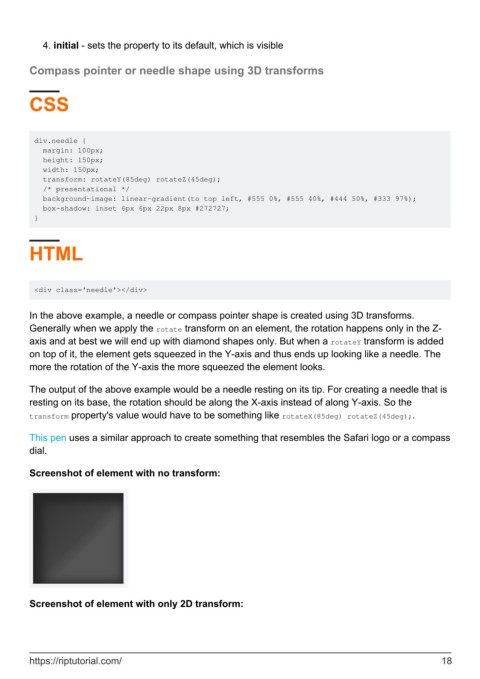
        Screenshot of element with no transform:


        Screenshot of element with only 2D transform:


        https://riptutorial.com/                                                                               18

