


Page 112 - CSS
P. 112
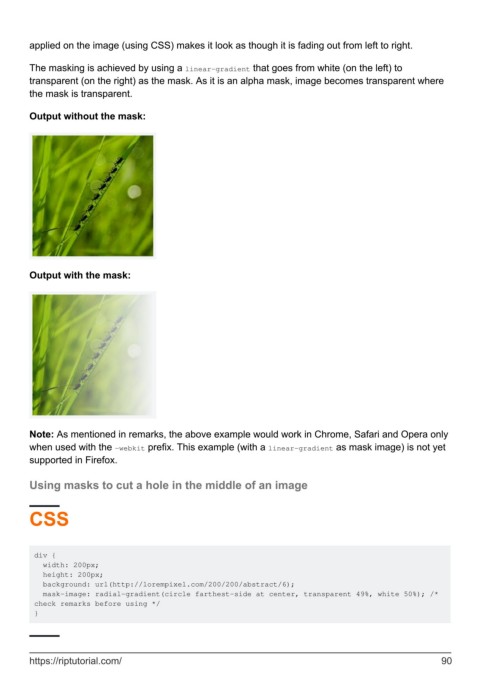
applied on the image (using CSS) makes it look as though it is fading out from left to right.


        The masking is achieved by using a linear-gradient that goes from white (on the left) to
        transparent (on the right) as the mask. As it is an alpha mask, image becomes transparent where
        the mask is transparent.

        Output without the mask:


        Output with the mask:


        Note: As mentioned in remarks, the above example would work in Chrome, Safari and Opera only
        when used with the -webkit prefix. This example (with a linear-gradient as mask image) is not yet
        supported in Firefox.

        Using masks to cut a hole in the middle of an image


        CSS


         div {
           width: 200px;
           height: 200px;
           background: url(http://lorempixel.com/200/200/abstract/6);
           mask-image: radial-gradient(circle farthest-side at center, transparent 49%, white 50%); /*
         check remarks before using */
         }


        https://riptutorial.com/                                                                               90

