


Page 113 - CSS
P. 113
HTML


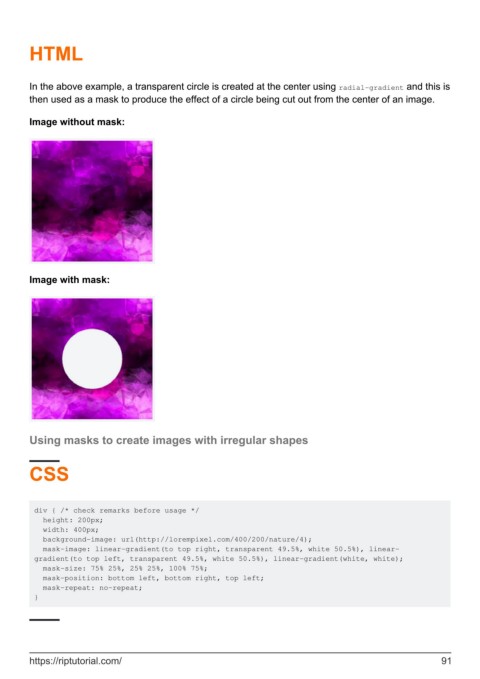
        In the above example, a transparent circle is created at the center using radial-gradient and this is
        then used as a mask to produce the effect of a circle being cut out from the center of an image.

        Image without mask:


        Image with mask:


        Using masks to create images with irregular shapes


        CSS


         div { /* check remarks before usage */
           height: 200px;
           width: 400px;
           background-image: url(http://lorempixel.com/400/200/nature/4);
           mask-image: linear-gradient(to top right, transparent 49.5%, white 50.5%), linear-
         gradient(to top left, transparent 49.5%, white 50.5%), linear-gradient(white, white);
           mask-size: 75% 25%, 25% 25%, 100% 75%;
           mask-position: bottom left, bottom right, top left;
           mask-repeat: no-repeat;
         }


        https://riptutorial.com/                                                                               91

