


Page 115 - CSS
P. 115
Chapter 13: Colors


        Syntax


            •  color: #rgb
            •  color: #rrggbb
            •  color: rgb[a](<red>, <green>, <blue>[, <alpha>])
            •  color: hsl[a](<hue>, <saturation%>, <lightness%>[, <alpha>])
            •  color: colorkeyword /* green, blue, yellow, orange, red, ..etc */


        Examples


        Color Keywords


        Most browsers support using color keywords to specify a color. For example, to set the color of an
        element to blue, use the blue keyword:


         .some-class {
             color: blue;
         }


        CSS keywords are not case sensitive—blue, Blue and BLUE will all result in #0000FF.


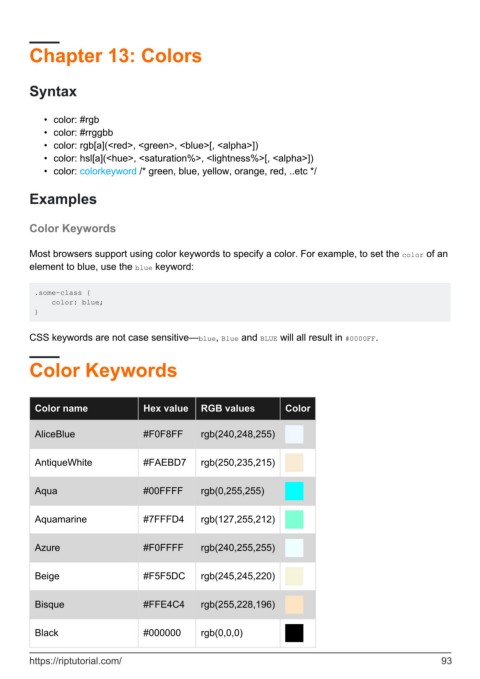
        Color Keywords


          Color name                 Hex value     RGB values           Color


          AliceBlue                  #F0F8FF       rgb(240,248,255)


          AntiqueWhite               #FAEBD7       rgb(250,235,215)


          Aqua                       #00FFFF       rgb(0,255,255)


          Aquamarine                 #7FFFD4       rgb(127,255,212)


          Azure                      #F0FFFF       rgb(240,255,255)


          Beige                      #F5F5DC       rgb(245,245,220)


          Bisque                     #FFE4C4       rgb(255,228,196)


          Black                      #000000       rgb(0,0,0)


        https://riptutorial.com/                                                                               93

