


Page 196 - CSS
P. 196
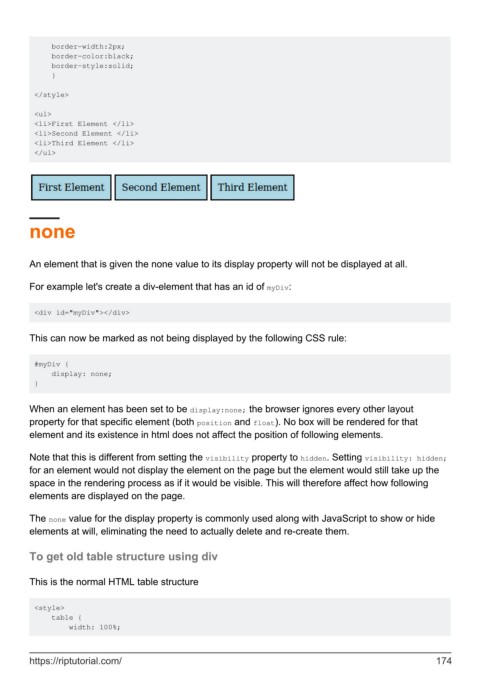
border-width:2px;
             border-color:black;
             border-style:solid;
             }

         </style>

         <ul>
         <li>First Element </li>
         <li>Second Element </li>
         <li>Third Element </li>
         </ul>


        none


        An element that is given the none value to its display property will not be displayed at all.


        For example let's create a div-element that has an id of myDiv:


         <div id="myDiv"></div>


        This can now be marked as not being displayed by the following CSS rule:


         #myDiv {
             display: none;
         }


        When an element has been set to be display:none; the browser ignores every other layout
        property for that specific element (both position and float). No box will be rendered for that
        element and its existence in html does not affect the position of following elements.

        Note that this is different from setting the visibility property to hidden. Setting visibility: hidden;
        for an element would not display the element on the page but the element would still take up the
        space in the rendering process as if it would be visible. This will therefore affect how following
        elements are displayed on the page.


        The none value for the display property is commonly used along with JavaScript to show or hide
        elements at will, eliminating the need to actually delete and re-create them.


        To get old table structure using div


        This is the normal HTML table structure


         <style>
             table {
                 width: 100%;


        https://riptutorial.com/                                                                             174

