


Page 200 - CSS
P. 200
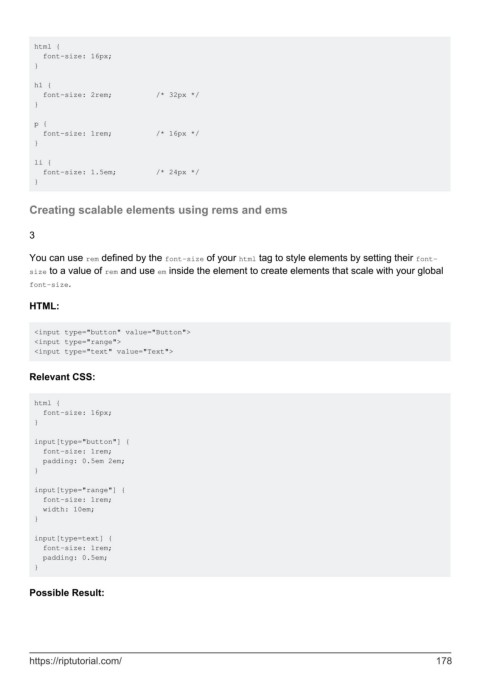
html {
           font-size: 16px;
         }

         h1 {
           font-size: 2rem;          /* 32px */
         }

         p {
           font-size: 1rem;          /* 16px */
         }

         li {
           font-size: 1.5em;         /* 24px */
         }


        Creating scalable elements using rems and ems


        3


        You can use rem defined by the font-size of your html tag to style elements by setting their font-
        size to a value of rem and use em inside the element to create elements that scale with your global
        font-size.


        HTML:


         <input type="button" value="Button">
         <input type="range">
         <input type="text" value="Text">


        Relevant CSS:


         html {
           font-size: 16px;
         }

         input[type="button"] {
           font-size: 1rem;
           padding: 0.5em 2em;
         }

         input[type="range"] {
           font-size: 1rem;
           width: 10em;
         }

         input[type=text] {
           font-size: 1rem;
           padding: 0.5em;
         }


        Possible Result:


        https://riptutorial.com/                                                                             178

