


Page 193 - CSS
P. 193
Chapter 32: Layout Control


        Syntax


            •  display: none | inline | block | list-item | inline-list-item | inline-block | inline-table | table |
              table-cell | table-column | table-column-group | table-footer-group | table-header-group |
              table-row | table-row-group | flex | inline-flex | grid | inline-grid | run-in | ruby | ruby-base |
              ruby-text | ruby-base-container | ruby-text-container | contents;


        Parameters


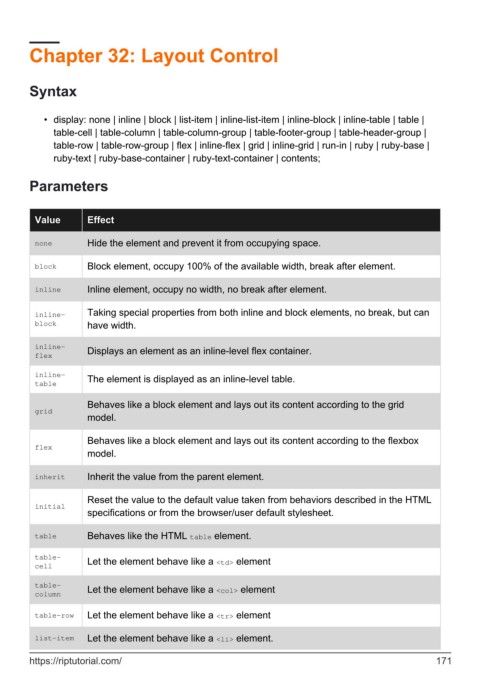
          Value        Effect

          none         Hide the element and prevent it from occupying space.


          block        Block element, occupy 100% of the available width, break after element.

          inline       Inline element, occupy no width, no break after element.


          inline-      Taking special properties from both inline and block elements, no break, but can
          block        have width.

          inline-
          flex         Displays an element as an inline-level flex container.


          inline-      The element is displayed as an inline-level table.
          table

                       Behaves like a block element and lays out its content according to the grid
          grid
                       model.


                       Behaves like a block element and lays out its content according to the flexbox
          flex
                       model.

          inherit      Inherit the value from the parent element.


                       Reset the value to the default value taken from behaviors described in the HTML
          initial
                       specifications or from the browser/user default stylesheet.

          table        Behaves like the HTML table element.


          table-       Let the element behave like a <td> element
          cell

          table-       Let the element behave like a <col> element
          column

          table-row    Let the element behave like a <tr> element

          list-item    Let the element behave like a <li> element.


        https://riptutorial.com/                                                                             171

