


Page 74 - CSS
P. 74
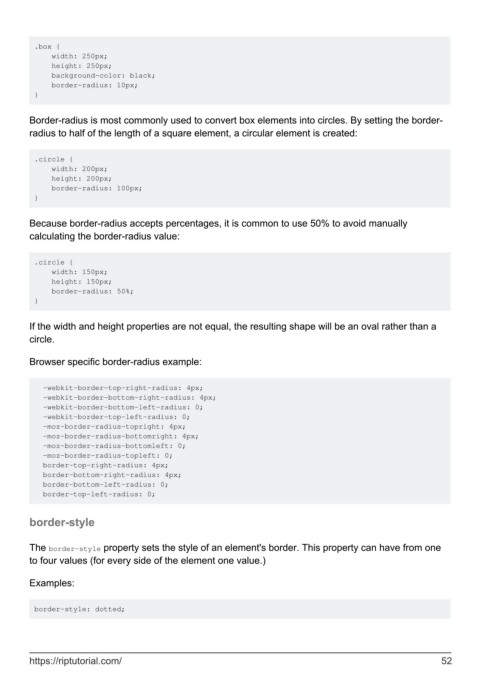
.box {
             width: 250px;
             height: 250px;
             background-color: black;
             border-radius: 10px;
         }


        Border-radius is most commonly used to convert box elements into circles. By setting the border-
        radius to half of the length of a square element, a circular element is created:


         .circle {
             width: 200px;
             height: 200px;
             border-radius: 100px;
         }


        Because border-radius accepts percentages, it is common to use 50% to avoid manually
        calculating the border-radius value:


         .circle {
             width: 150px;
             height: 150px;
             border-radius: 50%;
         }


        If the width and height properties are not equal, the resulting shape will be an oval rather than a
        circle.


        Browser specific border-radius example:


           -webkit-border-top-right-radius: 4px;
           -webkit-border-bottom-right-radius: 4px;
           -webkit-border-bottom-left-radius: 0;
           -webkit-border-top-left-radius: 0;
           -moz-border-radius-topright: 4px;
           -moz-border-radius-bottomright: 4px;
           -moz-border-radius-bottomleft: 0;
           -moz-border-radius-topleft: 0;
           border-top-right-radius: 4px;
           border-bottom-right-radius: 4px;
           border-bottom-left-radius: 0;
           border-top-left-radius: 0;


        border-style


        The border-style property sets the style of an element's border. This property can have from one
        to four values (for every side of the element one value.)


        Examples:


         border-style: dotted;


        https://riptutorial.com/                                                                               52

