


Page 65 - CSS
P. 65
}


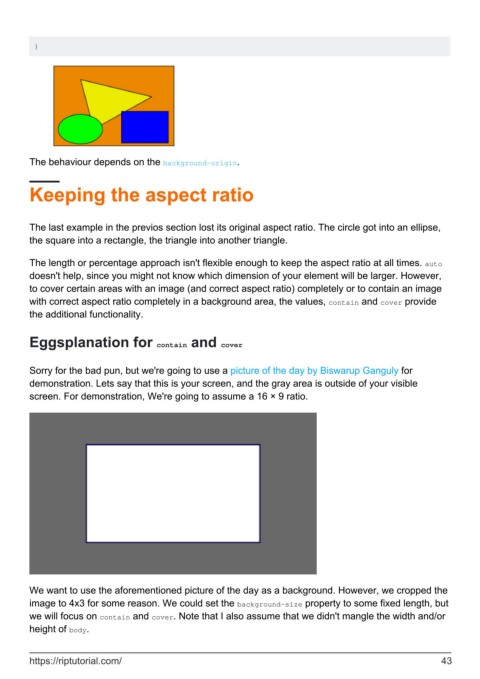
        The behaviour depends on the background-origin.


        Keeping the aspect ratio


        The last example in the previos section lost its original aspect ratio. The circle got into an ellipse,
        the square into a rectangle, the triangle into another triangle.

        The length or percentage approach isn't flexible enough to keep the aspect ratio at all times. auto
        doesn't help, since you might not know which dimension of your element will be larger. However,
        to cover certain areas with an image (and correct aspect ratio) completely or to contain an image
        with correct aspect ratio completely in a background area, the values, contain and cover provide
        the additional functionality.


        Eggsplanation for contain and cover


        Sorry for the bad pun, but we're going to use a picture of the day by Biswarup Ganguly for
        demonstration. Lets say that this is your screen, and the gray area is outside of your visible
        screen. For demonstration, We're going to assume a 16 × 9 ratio.


        We want to use the aforementioned picture of the day as a background. However, we cropped the
        image to 4x3 for some reason. We could set the background-size property to some fixed length, but
        we will focus on contain and cover. Note that I also assume that we didn't mangle the width and/or
        height of body.


        https://riptutorial.com/                                                                               43

