


Page 64 - CSS
P. 64
General overview


        The background-size property enables one to control the scaling of the background-image. It takes up
        to two values, which determine the scale/size of the resulting image in vertical and and horizontal
        direction. If the property is missing, its deemed auto in both width and height.

        auto will keep the image's aspect ratio, if it can be determined. The height is optional and can be
        considered auto. Therefore, on a 256 px × 256 px image, all the following background-size settings
        would yield an image with height and width of 50 px:


         background-size: 50px;
         background-size: 50px auto; /* same as above */
         background-size: auto 50px;
         background-size: 50px 50px;


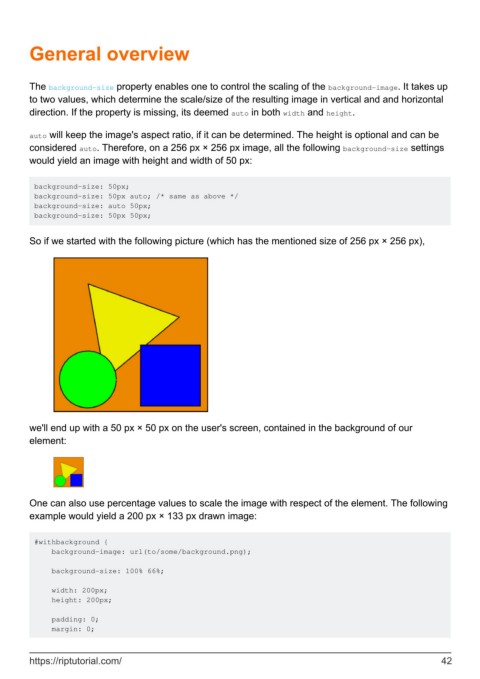
        So if we started with the following picture (which has the mentioned size of 256 px × 256 px),


        we'll end up with a 50 px × 50 px on the user's screen, contained in the background of our
        element:


        One can also use percentage values to scale the image with respect of the element. The following
        example would yield a 200 px × 133 px drawn image:


         #withbackground {
             background-image: url(to/some/background.png);

             background-size: 100% 66%;

             width: 200px;
             height: 200px;

             padding: 0;
             margin: 0;


        https://riptutorial.com/                                                                               42

