


Page 52 - CSS
P. 52
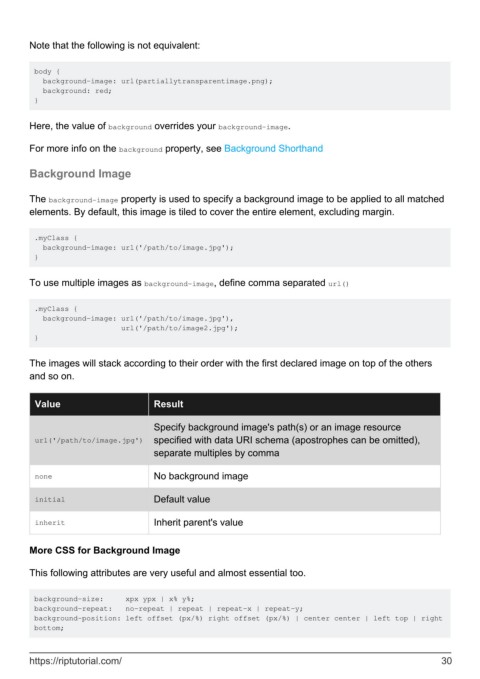
Note that the following is not equivalent:


         body {
           background-image: url(partiallytransparentimage.png);
           background: red;
         }


        Here, the value of background overrides your background-image.

        For more info on the background property, see Background Shorthand


        Background Image


        The background-image property is used to specify a background image to be applied to all matched
        elements. By default, this image is tiled to cover the entire element, excluding margin.


         .myClass {
           background-image: url('/path/to/image.jpg');
         }


        To use multiple images as background-image, define comma separated url()


         .myClass {
           background-image: url('/path/to/image.jpg'),
                             url('/path/to/image2.jpg');
         }


        The images will stack according to their order with the first declared image on top of the others
        and so on.


          Value                        Result


                                       Specify background image's path(s) or an image resource
          url('/path/to/image.jpg')    specified with data URI schema (apostrophes can be omitted),
                                       separate multiples by comma

          none                         No background image


          initial                      Default value

          inherit                      Inherit parent's value


        More CSS for Background Image

        This following attributes are very useful and almost essential too.


         background-size:     xpx ypx | x% y%;
         background-repeat:   no-repeat | repeat | repeat-x | repeat-y;
         background-position: left offset (px/%) right offset (px/%) | center center | left top | right
         bottom;


        https://riptutorial.com/                                                                               30

