


Page 157 - CSS
P. 157
Examples


        Sticky Variable-Height Footer


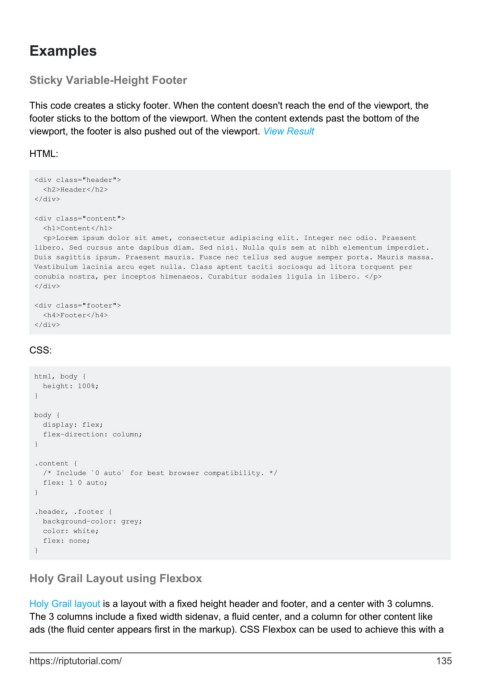
        This code creates a sticky footer. When the content doesn't reach the end of the viewport, the
        footer sticks to the bottom of the viewport. When the content extends past the bottom of the
        viewport, the footer is also pushed out of the viewport. View Result

        HTML:


         <div class="header">
           <h2>Header</h2>
         </div>

         <div class="content">
           <h1>Content</h1>
           <p>Lorem ipsum dolor sit amet, consectetur adipiscing elit. Integer nec odio. Praesent
         libero. Sed cursus ante dapibus diam. Sed nisi. Nulla quis sem at nibh elementum imperdiet.
         Duis sagittis ipsum. Praesent mauris. Fusce nec tellus sed augue semper porta. Mauris massa.
         Vestibulum lacinia arcu eget nulla. Class aptent taciti sociosqu ad litora torquent per
         conubia nostra, per inceptos himenaeos. Curabitur sodales ligula in libero. </p>
         </div>

         <div class="footer">
           <h4>Footer</h4>
         </div>


        CSS:


         html, body {
           height: 100%;
         }

         body {
           display: flex;
           flex-direction: column;
         }

         .content {
           /* Include `0 auto` for best browser compatibility. */
           flex: 1 0 auto;
         }

         .header, .footer {
           background-color: grey;
           color: white;
           flex: none;
         }


        Holy Grail Layout using Flexbox


        Holy Grail layout is a layout with a fixed height header and footer, and a center with 3 columns.
        The 3 columns include a fixed width sidenav, a fluid center, and a column for other content like
        ads (the fluid center appears first in the markup). CSS Flexbox can be used to achieve this with a


        https://riptutorial.com/                                                                             135

