


Page 161 - CSS
P. 161
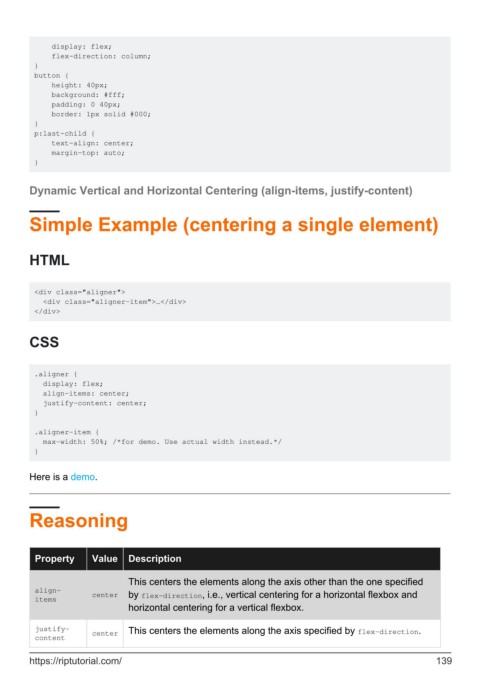
display: flex;
             flex-direction: column;
         }
         button {
             height: 40px;
             background: #fff;
             padding: 0 40px;
             border: 1px solid #000;
         }
         p:last-child {
             text-align: center;
             margin-top: auto;
         }


        Dynamic Vertical and Horizontal Centering (align-items, justify-content)


        Simple Example (centering a single element)


        HTML


         <div class="aligner">
           <div class="aligner-item">…</div>
         </div>


        CSS


         .aligner {
           display: flex;
           align-items: center;
           justify-content: center;
         }

         .aligner-item {
           max-width: 50%; /*for demo. Use actual width instead.*/
         }


        Here is a demo.


        Reasoning


          Property      Value    Description


                                 This centers the elements along the axis other than the one specified
          align-        center   by flex-direction, i.e., vertical centering for a horizontal flexbox and
          items
                                 horizontal centering for a vertical flexbox.

          justify-      center   This centers the elements along the axis specified by flex-direction.
          content


        https://riptutorial.com/                                                                             139

