


Page 92 - CSS
P. 92
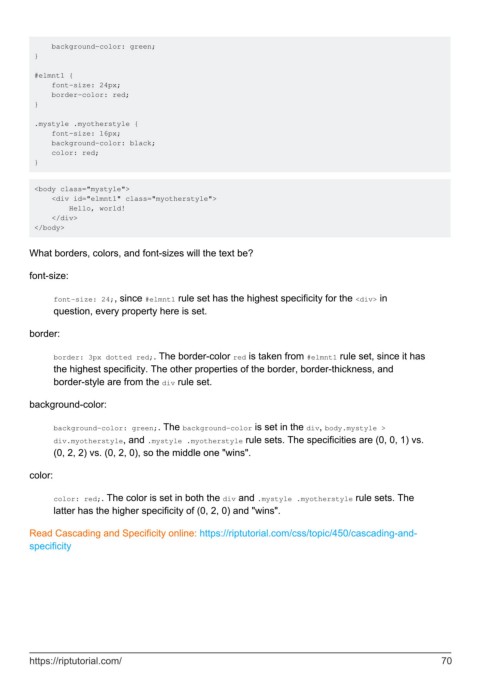
background-color: green;
         }

         #elmnt1 {
             font-size: 24px;
             border-color: red;
         }

         .mystyle .myotherstyle {
             font-size: 16px;
             background-color: black;
             color: red;
         }


         <body class="mystyle">
             <div id="elmnt1" class="myotherstyle">
                 Hello, world!
             </div>
         </body>


        What borders, colors, and font-sizes will the text be?

        font-size:


              font-size: 24;, since #elmnt1 rule set has the highest specificity for the <div> in
              question, every property here is set.

        border:


              border: 3px dotted red;. The border-color red is taken from #elmnt1 rule set, since it has
              the highest specificity. The other properties of the border, border-thickness, and
              border-style are from the div rule set.

        background-color:


              background-color: green;. The background-color is set in the div, body.mystyle >
              div.myotherstyle, and .mystyle .myotherstyle rule sets. The specificities are (0, 0, 1) vs.
              (0, 2, 2) vs. (0, 2, 0), so the middle one "wins".

        color:


              color: red;. The color is set in both the div and .mystyle .myotherstyle rule sets. The
              latter has the higher specificity of (0, 2, 0) and "wins".

        Read Cascading and Specificity online: https://riptutorial.com/css/topic/450/cascading-and-
        specificity


        https://riptutorial.com/                                                                               70

