


Page 102 - CSS
P. 102
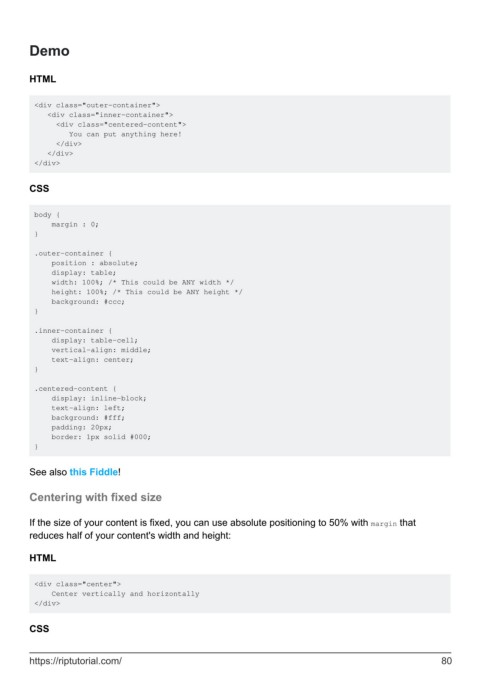
Demo


        HTML


         <div class="outer-container">
            <div class="inner-container">
              <div class="centered-content">
                 You can put anything here!
              </div>
            </div>
         </div>


        CSS


         body {
             margin : 0;
         }

         .outer-container {
             position : absolute;
             display: table;
             width: 100%; /* This could be ANY width */
             height: 100%; /* This could be ANY height */
             background: #ccc;
         }

         .inner-container {
             display: table-cell;
             vertical-align: middle;
             text-align: center;
         }

         .centered-content {
             display: inline-block;
             text-align: left;
             background: #fff;
             padding: 20px;
             border: 1px solid #000;
         }


        See also this Fiddle!

        Centering with fixed size


        If the size of your content is fixed, you can use absolute positioning to 50% with margin that
        reduces half of your content's width and height:


        HTML


         <div class="center">
             Center vertically and horizontally
         </div>


        CSS


        https://riptutorial.com/                                                                               80

