


Page 186 - CSS
P. 186
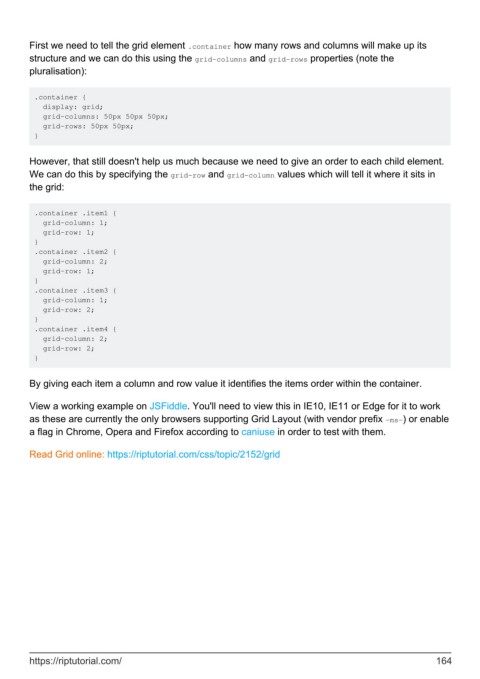
First we need to tell the grid element .container how many rows and columns will make up its
        structure and we can do this using the grid-columns and grid-rows properties (note the
        pluralisation):


         .container {
           display: grid;
           grid-columns: 50px 50px 50px;
           grid-rows: 50px 50px;
         }


        However, that still doesn't help us much because we need to give an order to each child element.
        We can do this by specifying the grid-row and grid-column values which will tell it where it sits in
        the grid:


         .container .item1 {
           grid-column: 1;
           grid-row: 1;
         }
         .container .item2 {
           grid-column: 2;
           grid-row: 1;
         }
         .container .item3 {
           grid-column: 1;
           grid-row: 2;
         }
         .container .item4 {
           grid-column: 2;
           grid-row: 2;
         }


        By giving each item a column and row value it identifies the items order within the container.

        View a working example on JSFiddle. You'll need to view this in IE10, IE11 or Edge for it to work
        as these are currently the only browsers supporting Grid Layout (with vendor prefix -ms-) or enable
        a flag in Chrome, Opera and Firefox according to caniuse in order to test with them.


        Read Grid online: https://riptutorial.com/css/topic/2152/grid


        https://riptutorial.com/                                                                             164

