


Page 135 - CSS
P. 135
<li>Level 1.1
                 <ul>
                   <li>Level 1.1.1</li>
                 </ul>
               </li>
             </ul>
           </li>
           <li>Level 2
             <ul>
               <li>Level 2.1
                 <ul>
                   <li>Level 2.1.1</li>
                   <li>Level 2.1.2</li>
                 </ul>
               </li>
             </ul>
           </li>
           <li>Level 3</li>
         </ul>


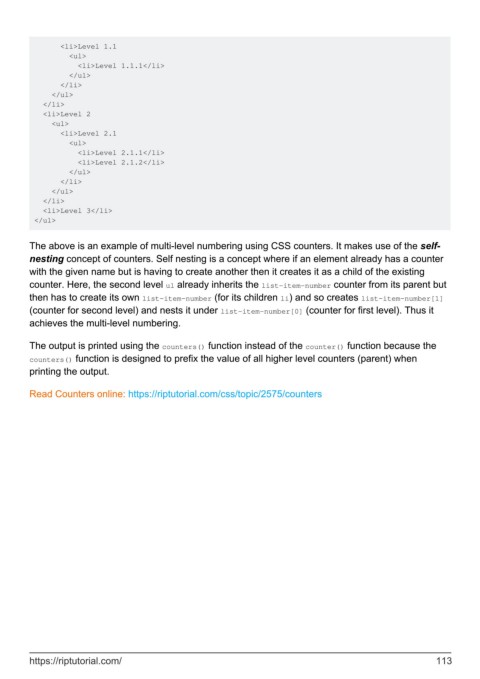
        The above is an example of multi-level numbering using CSS counters. It makes use of the self-
        nesting concept of counters. Self nesting is a concept where if an element already has a counter
        with the given name but is having to create another then it creates it as a child of the existing
        counter. Here, the second level ul already inherits the list-item-number counter from its parent but
        then has to create its own list-item-number (for its children li) and so creates list-item-number[1]
        (counter for second level) and nests it under list-item-number[0] (counter for first level). Thus it
        achieves the multi-level numbering.

        The output is printed using the counters() function instead of the counter() function because the
        counters() function is designed to prefix the value of all higher level counters (parent) when
        printing the output.

        Read Counters online: https://riptutorial.com/css/topic/2575/counters


        https://riptutorial.com/                                                                             113

